

Baitong Kexin
Contact

Digital Practice

Virtual Simulation Labs for TVET

Extend practice time with licensed PC, VR, AR or XR simulation matched to the physical course. Plan concurrent access, assessment records and instructor preparation around the actual teaching tasks.

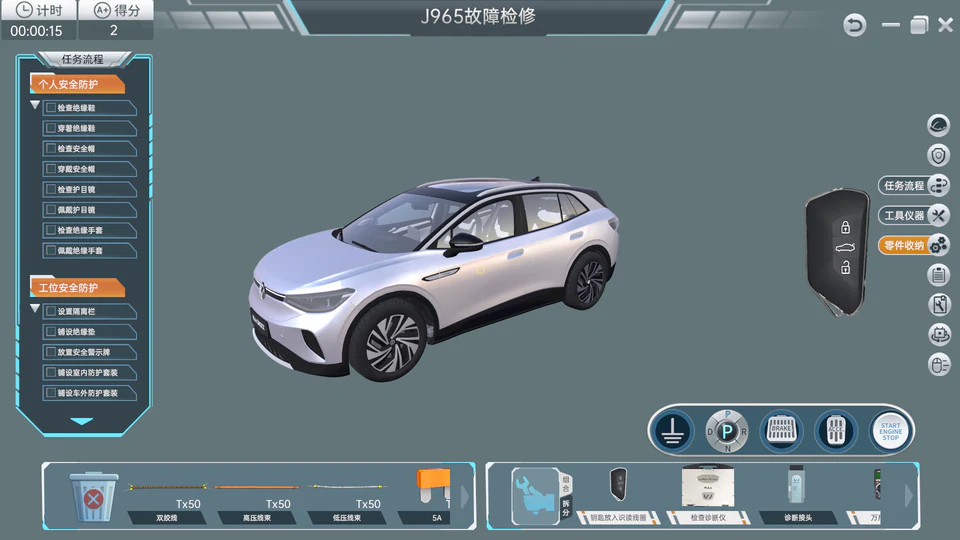
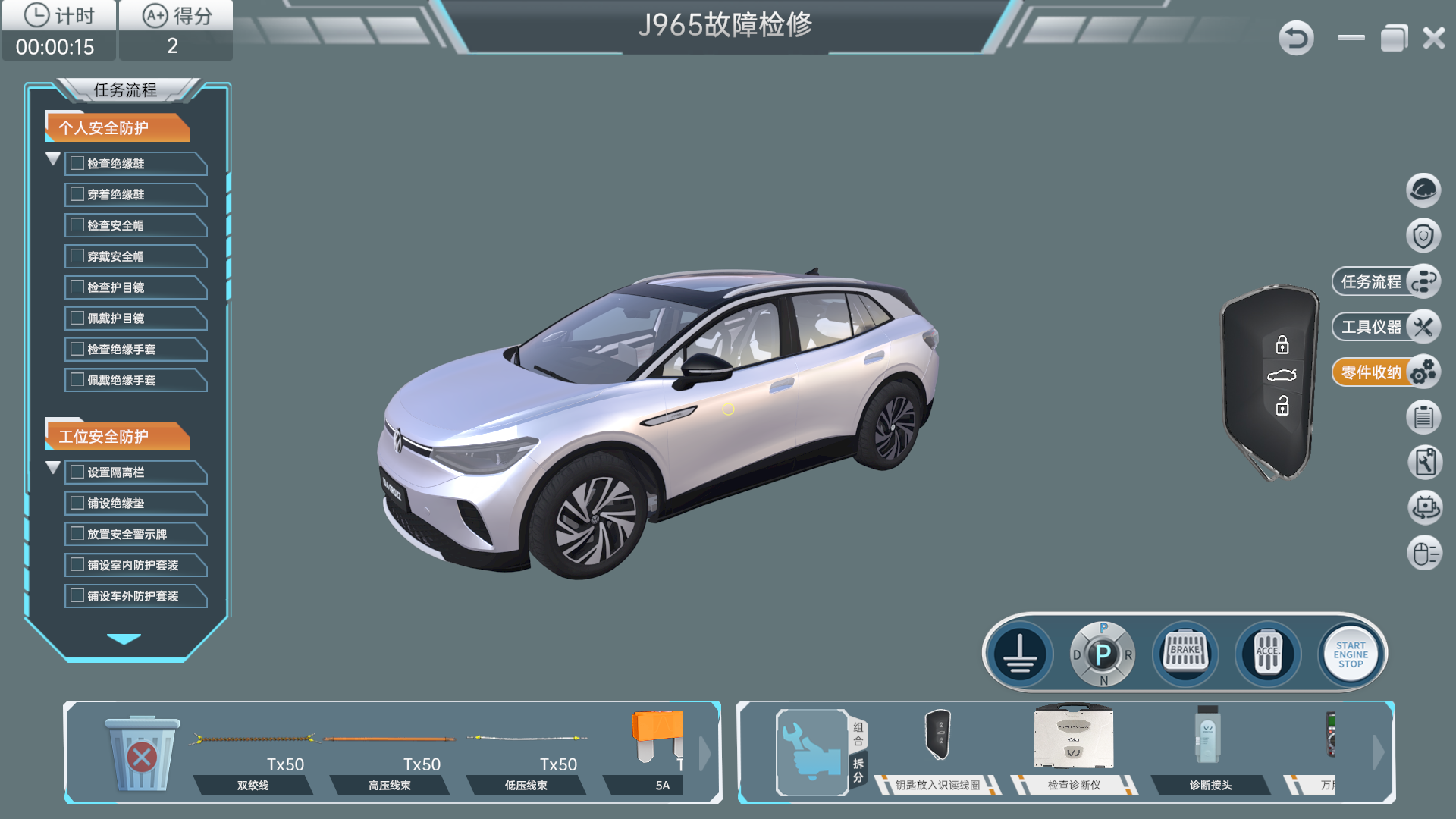
Vehicle diagnosis simulation software showing a task checklist, virtual vehicle and tool controls
ID.4 PC diagnosis simulation: one software example, with a task checklist, virtual vehicle and tool controls.

The Training Route

Prepare, Diagnose and Record Virtual Practice.

Use the licensed simulation title for procedure rehearsal and diagnostic decisions, then bring its task records into the review of physical practice.

  1. Prepare the Task Sequence

    Learner Practice

    Rehearse the represented procedures, controls and manual information in software matched to the physical teaching equipment.

    Evidence of Learning

    Explain the sequence and information needed before the practical station session.

  2. Practise Virtual Diagnosis

    Learner Practice

    Work through the licensed diagnostic tasks and modeled measurement points, using repair information to support each decision.

    Evidence of Learning

    Explain a diagnostic conclusion using the virtual task’s recorded measurements and responses.

  3. Review the Learning Record

    Learner Practice

    Review timed task results and grade-management records, then assess real tool handling and measurements at the physical station separately.

    Evidence of Learning

    Use virtual records and observed practical work together when reviewing learner progress.

The Equipment Combination

Connect the Tasks with the Right Equipment.

Choose the licensed simulation title and its supported delivery platform, then match server, client and concurrent-access provision to the class. Physical stations remain part of the course for real tools, assembly inspection and measurements.

Technical Configuration and Operating Limits
ItemTeaching Configuration
DeploymentClient/server architecture using a campus server and compatible client computers; confirm networking, accounts, licenses and concurrent users.
Delivery formsPC client, compatible VR headset/controllers, AR glasses or tablets, and XR workstations such as zSpace; platform availability is title- and project-specific.
Competition reference fidelity1:1 model of the specified 2023 national secondary-vocational contest equipment; device accuracy <1 cm and tool accuracy <0.5 cm.
Reference task depth≥80 operation steps, ≥80 measurement points and ≥300 measurement data items per practical project in the documented competition package.
Fault logicReference 1/2/8-point logic matched to the modeled physical equipment; verify the current software-to-hardware version match.
Assessment and resourcesTimed scoring, visualized grade management and built-in repair-manual retrieval; confirm reporting and export requirements.
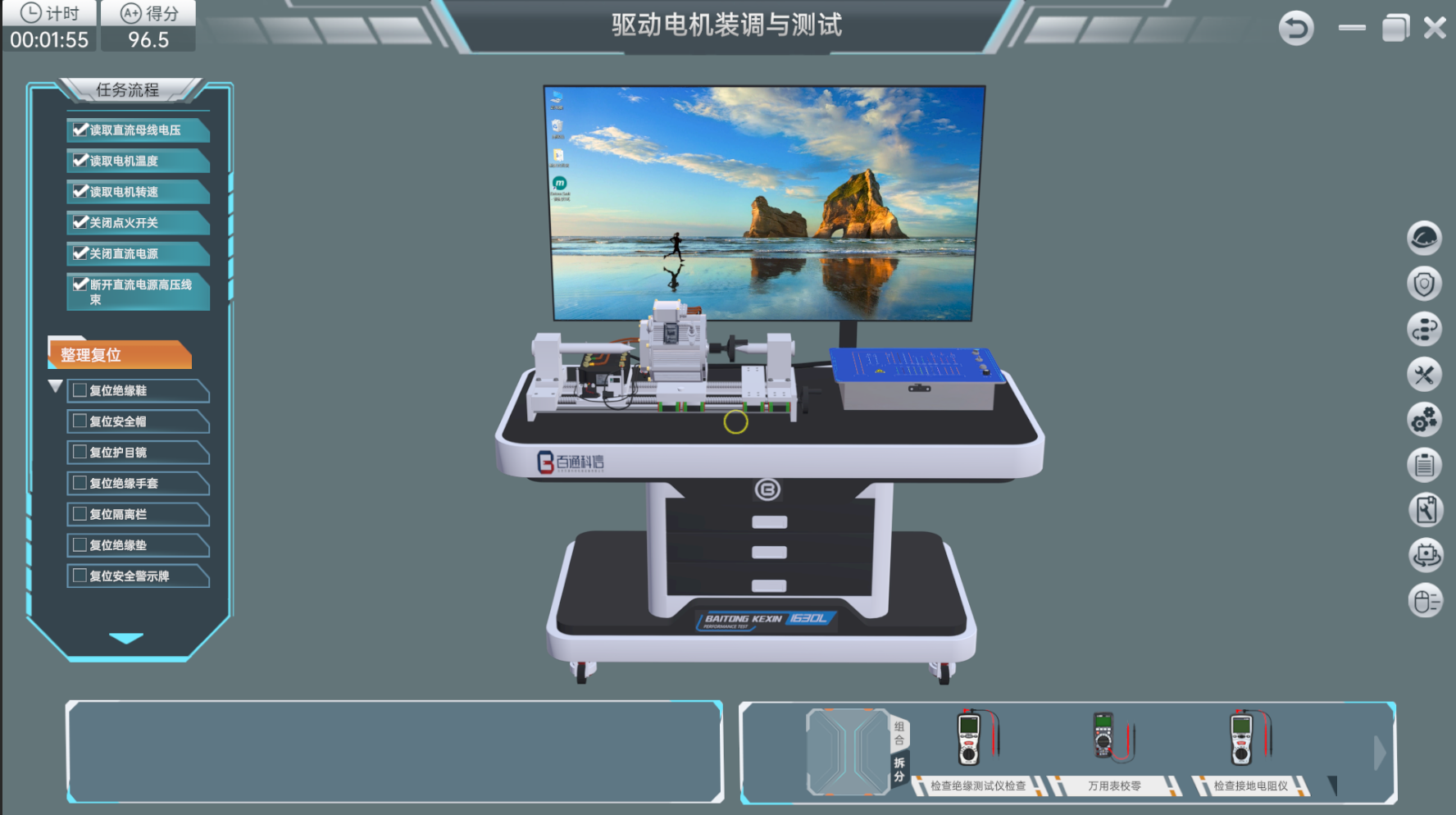
Content rangeEight formal simulation products spanning motor assembly, battery and charging practice, ID.4 diagnosis and the Corolla reference platform; custom vehicle and agricultural projects are scoped separately.
Data interfaceAlignment with national smart education platform standards; actual integration, access permissions and data exchange require project acceptance.

From Equipment to Teaching

Build a Repeatable Teaching Routine.

Use virtual sessions for preparation and repeated decisions, then rotate learners through practical verification and review both sets of learning records with the instructor.

Planned Learner Access

Match licensed concurrent software access to the teaching timetable, then organize physical rotations around verification and practical handling. Provide instructor supervision at each station so virtual preparation leads into observed work on the actual equipment.

Purposeful Repetition

Move suitable familiarization and sequence rehearsal into simulation, then use the physical station for tools, measurements and handling that require real equipment. Plan software licenses, hardware, support and consumables as parts of the same teaching provision.

Prepared Instructors

Where practical, agree remote access, resource language and the matching simulation course before delivery. Combine this preparation with the project’s on-site commissioning and hands-on instructor training so teachers can rehearse the course they will deliver.

Evidence of Competence

Review timed task records and measured responses with learners, asking them to explain the decisions behind the result. Combine the virtual record with a separate assessment of physical competence to understand what each learner can demonstrate.

Full Instructor Notes and Scope to Confirm

Rehearse Virtually, Verify Physically

Use the licensed simulation title to rehearse procedures, diagnostic decisions and manual retrieval. Match its represented controls and fault topology to the equipment learners will use in practical sessions.

Review the software task record alongside observed tool handling, assembly inspection and physical measurements. Plan concurrent access, instructor preparation and practical rotations as one course.

Confirm These Requirements Separately

  • Replacing all physical tool handling, torque feel and real measurement practice
  • Browser-only SaaS assumed as the standard deployment
  • Subjects outside the agreed automotive, agricultural machinery and NEV content scope

Most Learners Wait for a Physical Station

What to Watch For
A large class spends much of the lesson observing rather than operating.
Possible Cause
Station quantity and class rotation leave too few repetitions for each learner.
Teaching Response
Plan licensed concurrent software access for preparation and repeated diagnosis. Schedule physical rotations around verification and practical handling, with enough instructor supervision for each station.

Wear Costs Restrict Repetition

What to Watch For
Connector wear, damaged components or maintenance reduce available practice time.
Possible Cause
Every introductory rehearsal is performed on physical equipment.
Teaching Response
Move suitable familiarization and sequence practice into simulation, then reserve physical work for skills that require actual tools, measurement and handling. Budget software support, hardware and license costs as well as consumables.

Overseas Teachers Are Not Ready at Handover

What to Watch For
Delivered equipment cannot be used effectively because instructors have not practiced the teaching sequence.
Possible Cause
Teacher preparation depends entirely on one on-site visit.
Teaching Response
Agree remote access, language and a matching simulation course before delivery where practical. Combine remote preparation with the project’s on-site commissioning and physical instructor training.

Attendance Is Mistaken for Competence

What to Watch For
A completed software session provides no useful evidence about task quality.
Possible Cause
The lesson lacks scored operations, required measurements or an assessment rubric.
Teaching Response
Review timed task records and measured responses, then require a learner explanation. Combine virtual records with a separate assessment of physical competence.

Project Experience & References

Deployment, Licensing and Teaching References

Review deployment and license terms alongside the documented competition reference, applicable data-interface requirements and named software copyright records.

Standard Titles and Institution-Specific Development

The formal eight-product catalog is complemented by custom work, including the 19-open-circuit-fault Corolla simulation for Guangdong Mechanical & Electrical Polytechnic. The company brochure records 96+ software copyrights within its 325-item IP and qualification portfolio.

The January 2024 Côte d’Ivoire Luban Workshop contract covered ten line items, including the BT-NJVR-01 agricultural simulation system alongside a tractor training platform. A Côte d’Ivoire vice-ministerial delegation viewed the company’s simulation systems in November 2023.

Documents to Review for Your Project

Review a Complete Lesson and Its Assessment Record

Request a demonstration license, the licensed task list, a sample grade-management report and the hardware/software compatibility schedule. Check that the demonstration includes meaningful learner operations, not only scene navigation.

For custom software, agree the acceptance tasks, language, data interface and IP ownership before development. Named copyright registration extracts are available for verification through the relevant registry.

Reference Documents and Project Basis

  • National smart education platform technical requirements relevant to the agreed data interface and project integration.
  • The 2023 Ministry of Education national secondary-vocational competition equipment specification for the documented reference simulation versions.
  • Project-specific software ownership and licensing agreements; Jilin joint copyrights 2023SR1515097 and 2023SR1582884 provide named registration references.

Application FAQs

Plan Your Training Project.

Can every learner practice at the same time?

Only within the confirmed server capacity, workstation provision and license terms. Supply the cohort size and timetable so concurrent users, accounts, peripherals and network requirements can be included in the project.

Does simulation remove all practical training costs?

No. It can reduce wear during suitable repeated rehearsals, but software licenses, computers, support and physical verification still have costs. Budget both teaching layers.

Can the overseas instructor course start before installation?

A remote course can be planned if the software, language, licenses, access arrangements and target equipment are confirmed. It complements the agreed on-site commissioning and hands-on instructor training.