On This Page
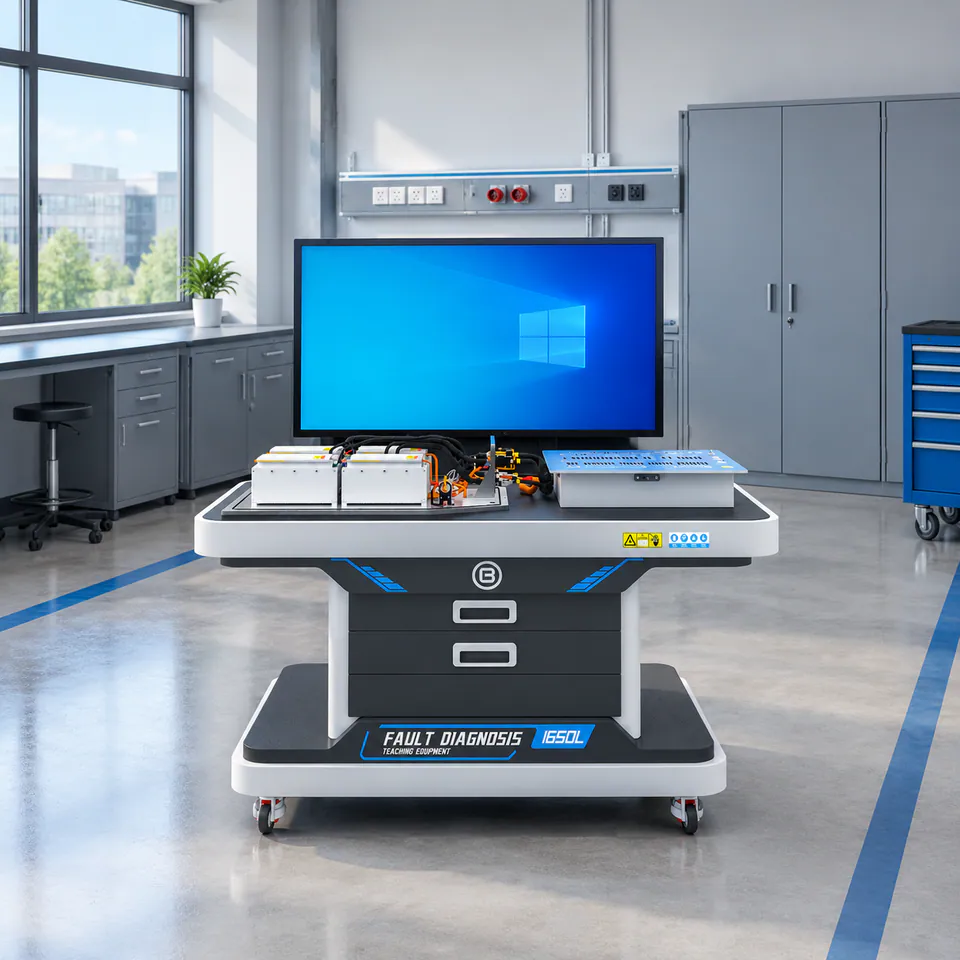
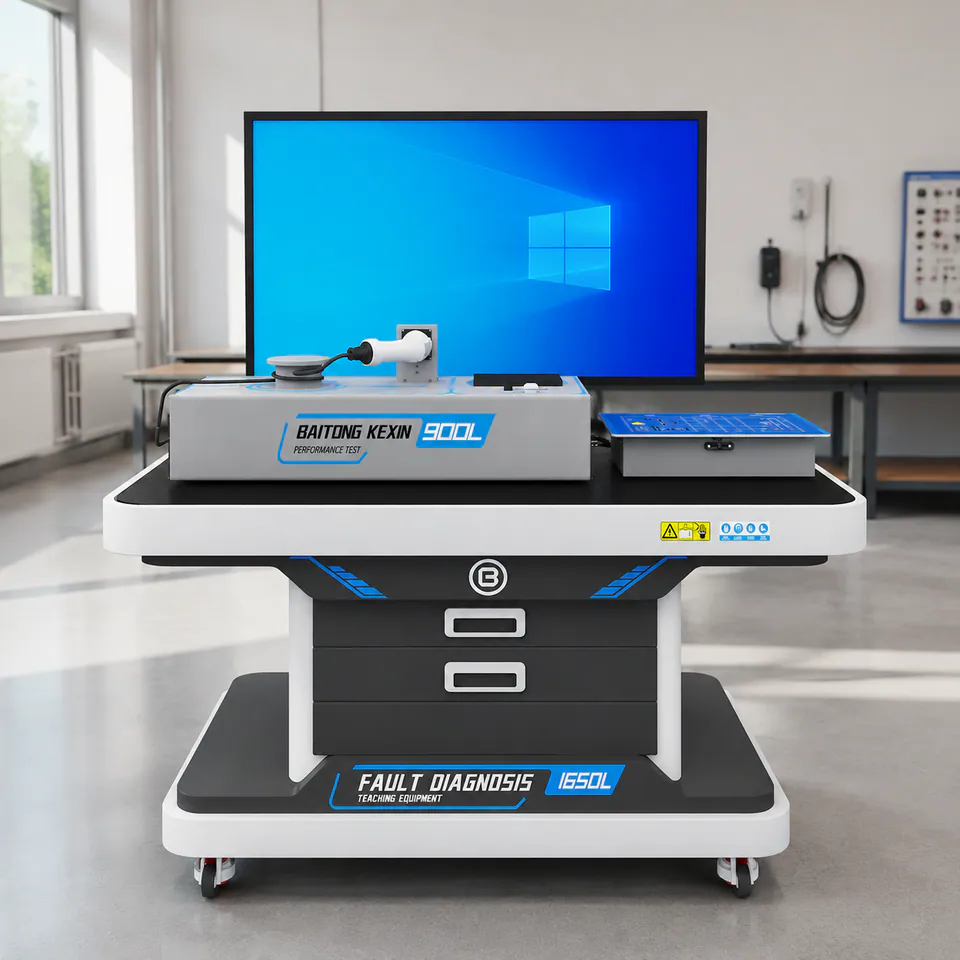
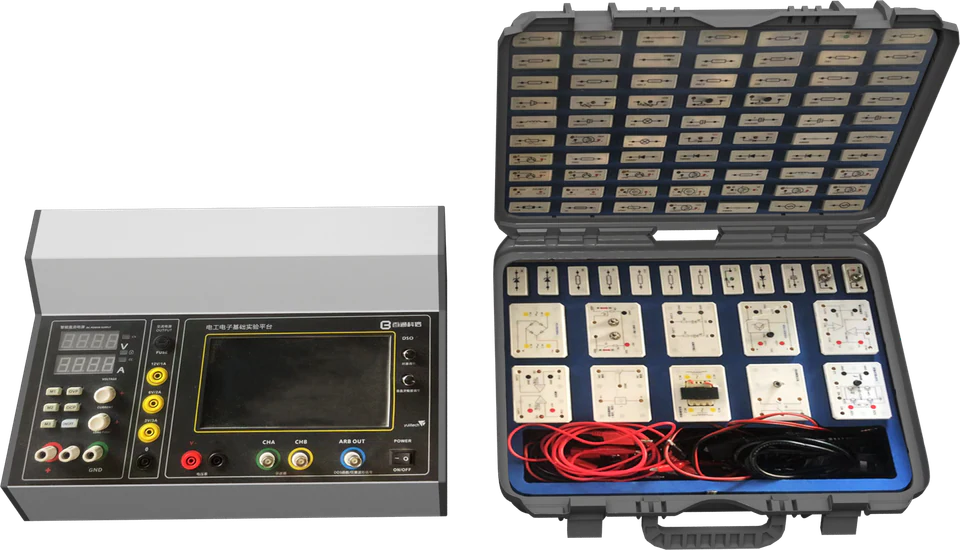
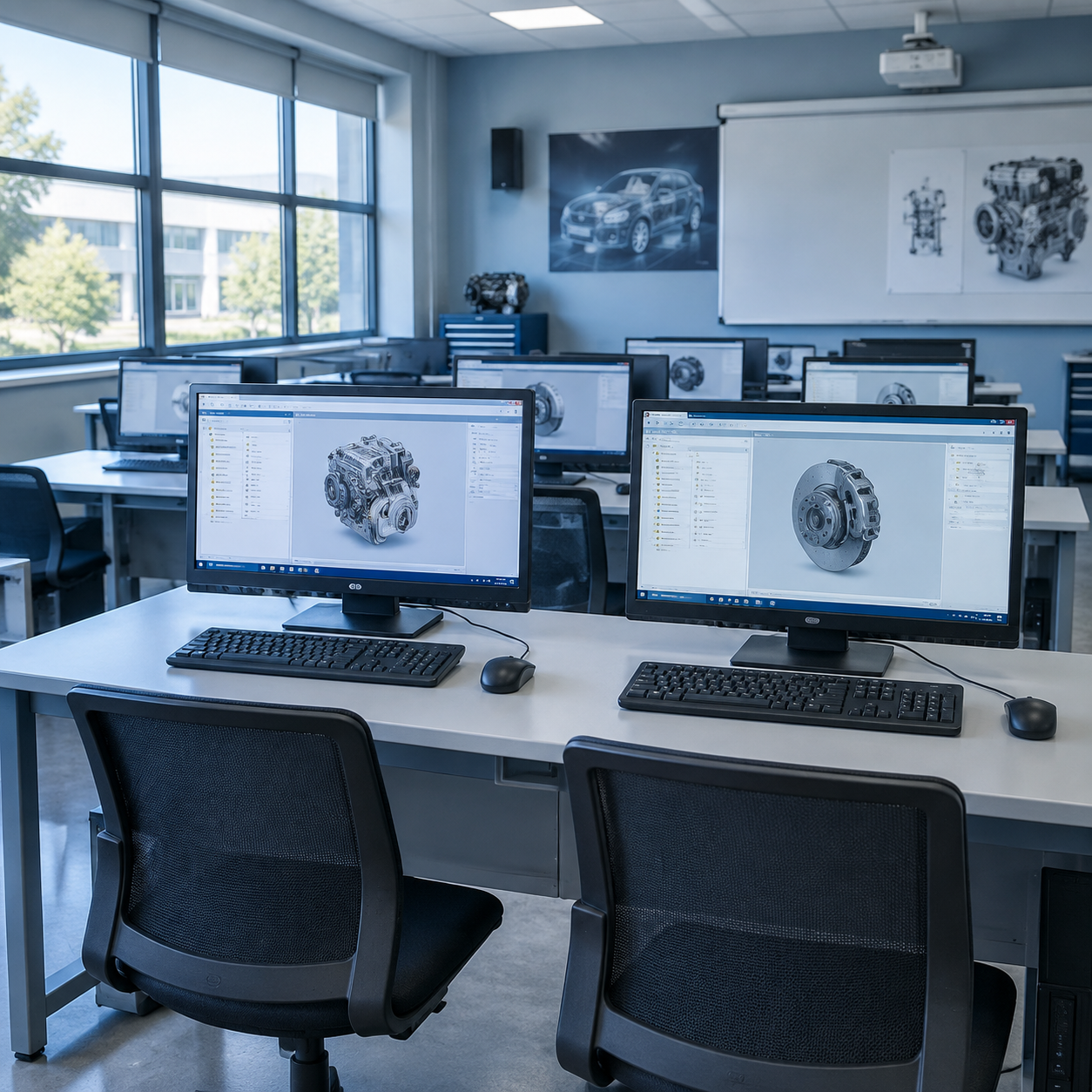
Physical equipment and virtual simulation solve different teaching problems. A physical platform develops tool handling, connection, measurement and procedural discipline. Simulation allows learners to repeat complex, hazardous or resource-intensive tasks without consuming workshop time or components. Use simulation for preparation and repeatable diagnostic decisions, then verify real handling and measurements on matched physical equipment. Both layers need a defined task, operating conditions and assessment record.
Use Simulation Before Physical Practice
Digital pre-practice can introduce component location, process order and safety decisions before students approach the equipment. Learners arrive at the bench with a clearer mental model, allowing the instructor to spend more time on technique and interpretation.
Pre-practice is especially useful for disassembly sequences, high-voltage isolation procedures and diagnostic workflows with several decision points.
Keep the Task Logic Consistent
The virtual and physical activities should use the same terminology, component relationships and process sequence. If the simulation teaches one workflow while the equipment requires another, students spend time reconciling the materials instead of developing competence.
Align these elements:
- task objectives and prerequisite knowledge;
- component names and system structure;
- procedural steps and safety checkpoints;
- measurement results and fault logic;
- assessment criteria and documentation.
Use Physical Equipment for the Skills That Matter
Simulation cannot replace the tactile and procedural aspects of practical work. Connector handling, fastener control, instrument placement, cable routing and verification under real conditions still require physical equipment.
A useful blended sequence is: virtual orientation, guided physical demonstration, team practice, independent diagnosis and digital or instructor-led assessment.
Plan Rotations Around Class Size
Blended stations can improve access when one physical platform must serve a larger group. While one team works on the physical system, other teams can complete simulation, technical-documentation or analysis tasks linked to the same objective.
The rotation only works when every station contributes to the same learning outcome. The result should feel like one lesson delivered through several tools, not unrelated activities filling time.
Choose the First Investment by the Missing Capability
| Situation | Start With | Keep in the Plan |
|---|---|---|
| No physical practical equipment | A station covering the essential supervised task | Instructor preparation, tools, inspection and later simulation |
| Existing benches, limited learner access | Matched simulation and a revised rotation plan | Enough physical sessions to assess individual competence |
| Hardware differs from the available software model | Compatibility review or custom content | An explicit task and fault mapping before purchase |
| Remote instructor preparation | Licensed software on a confirmed computer setup | Commissioning and practical training for the delivered equipment |
The documented competition simulation reference includes at least 80 operation steps, 80 measurement points and 300 data items per practical project. Confirm these against the licensed title; they do not establish classroom concurrency or universal compatibility.
When This Approach Does Not Fit
Simulation alone does not meet a course outcome that requires physical tool handling or real assembly inspection. A client/server product also does not satisfy a browser-only procurement requirement without an agreed alternative architecture. If the school already has a complete software package, first review its task coverage before buying duplicate licenses.
Review the virtual lab scenario and custom software service for deployment planning. The Corolla project illustrates content matched to a college’s existing vehicle fleet.

Editorial Responsibility
Baitong Kexin
Published by Beijing Baitong Kexin Machinery Equipment Co., Ltd. Product limits follow the current model documentation; project scope and acceptance requirements are confirmed in the quotation.