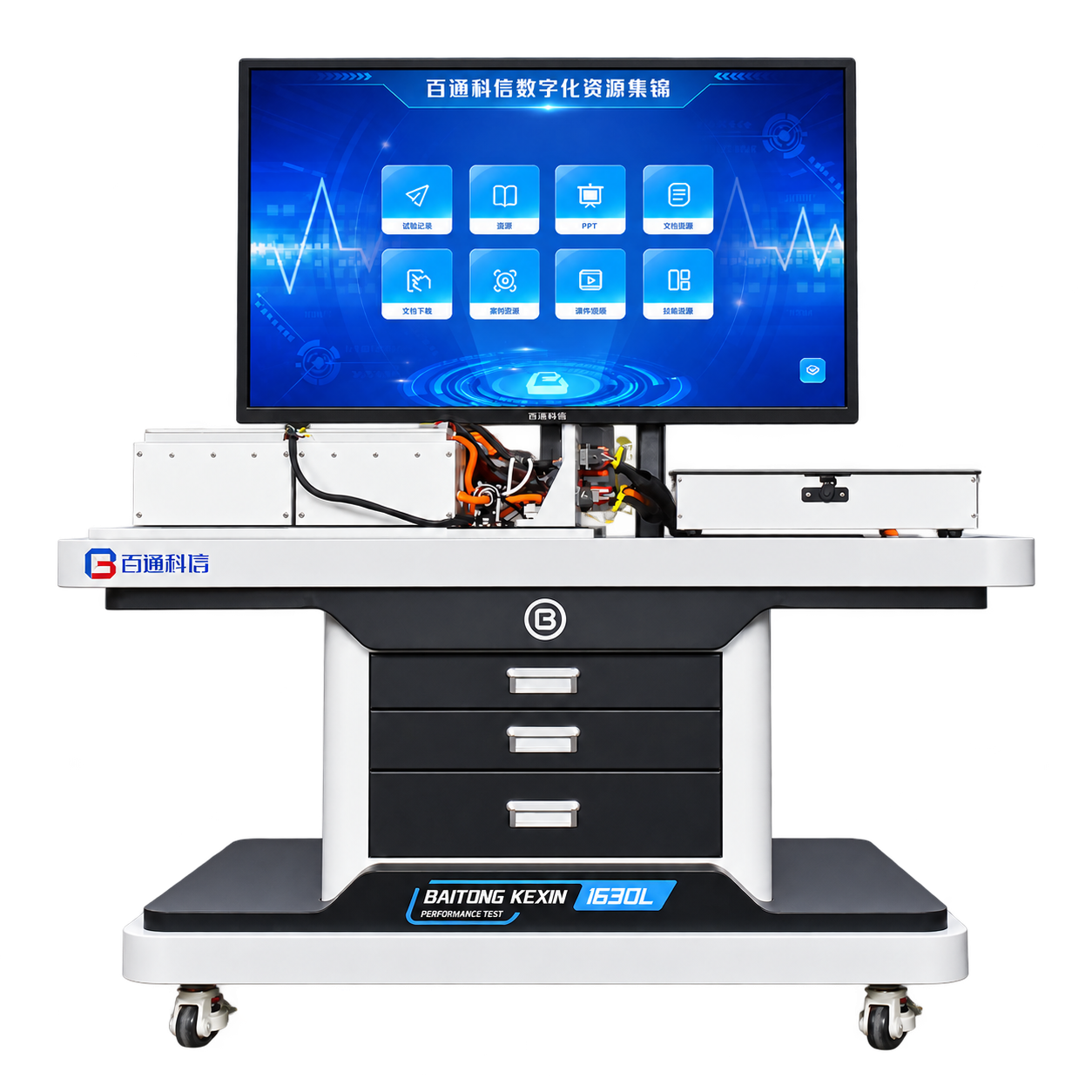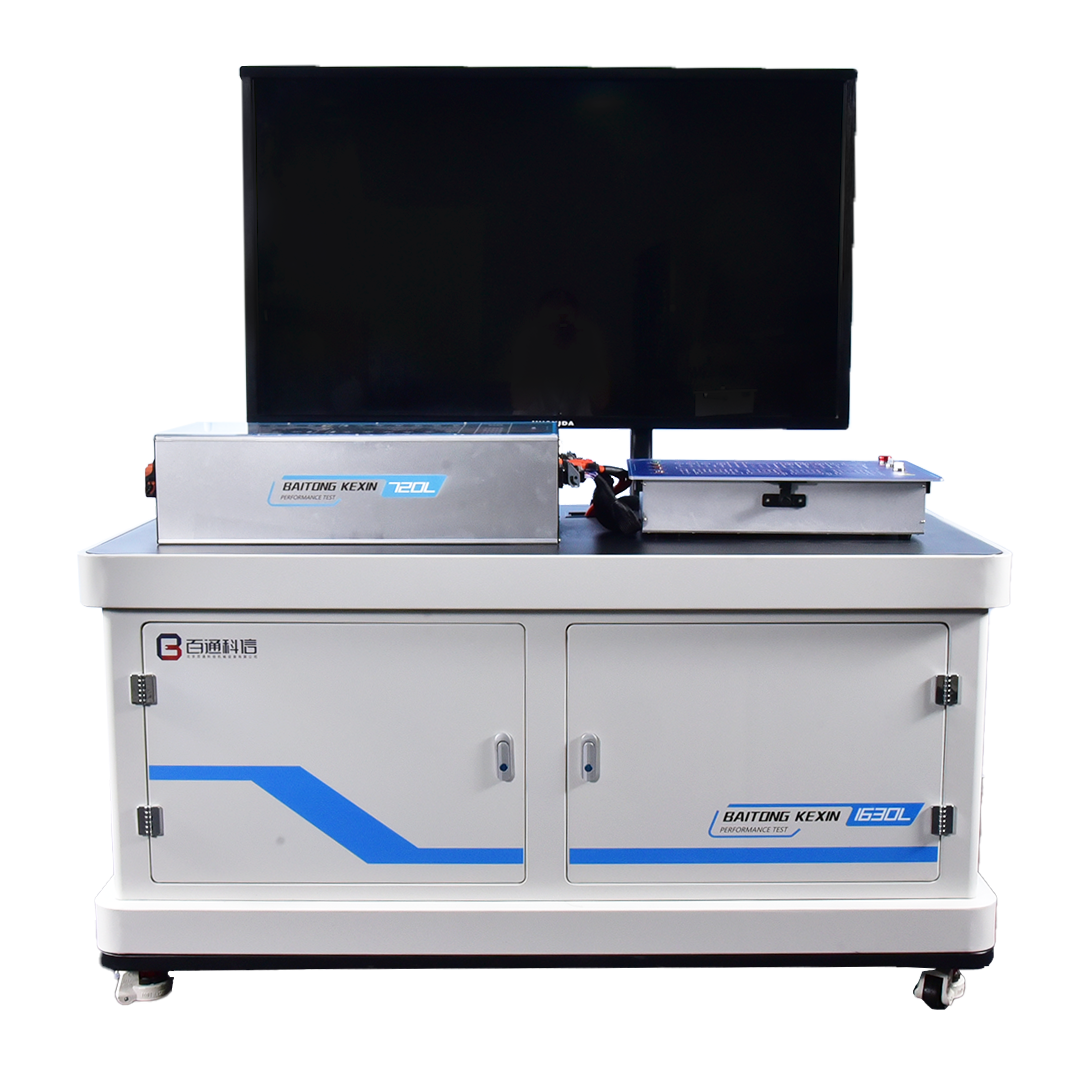

Software and Content
The software includes task-oriented 3D content, supporting information, videos, worksheets and assessment functions. Real batteries, BMS hardware and charge-discharge equipment are separate equipment items.
Model: BT-DCVR
Rehearse battery assembly and BMS diagnosis with BT-DCVR software, virtual measurements, guided tasks and records for instructor review.
The Baitongkexin BT-DCVR supports battery assembly and battery-management teaching in an interactive simulation. Learners work through electrical components, modules, high- and low-voltage harnesses and pack-closing checks before investigating selected BMS faults. Demonstration, teaching and assessment modes let instructors introduce the sequence and then review independent virtual work. The resulting scores describe software tasks, not a learner’s authorization or competence to work on a live battery.
Component, module and harness tasks connect the arrangement of a battery pack with inspection decisions. Simulated measurements include contactors, precharge resistance, cell voltage and insulation.
The virtual interface presents pack current and voltage, cell-voltage information, temperatures and selected fault parameters so learners can relate monitoring data to the scenario.
Virtual harness repair, component replacement, reference information and editable worksheets support a documented diagnostic sequence.
Learner Practice
Complete the selected virtual module or harness task
Evidence for Review
A task sheet explaining the chosen sequence
Learner Practice
Investigate a simulated sampling, temperature or current fault
Evidence for Review
A conclusion supported by virtual readings
Learner Practice
Trace the assigned virtual control circuit
Evidence for Review
A circuit explanation and simulation result
| Application architecture | Client/server desktop software |
|---|---|
| Modes | Demonstration, teaching and assessment |
| Task evidence | Timing, virtual scores and editable task sheets |
| Listed media narration | Mandarin Chinese |
The software includes task-oriented 3D content, supporting information, videos, worksheets and assessment functions. Real batteries, BMS hardware and charge-discharge equipment are separate equipment items.
30 nodes
Specify learner level, course tasks, seat numbers and computer environment. Confirm the licensed module list, language package, account access and reporting format. Any connection with physical equipment requires separate technical confirmation.
Share the battery course sequence, learner seats, computers and language requirements to select the simulation modules.
The described measurements are simulated. Real cell or pack testing requires appropriately configured instruments and equipment.
Its subject matter can support preparation for battery assembly lessons. The task match and license scope should be reviewed; software and physical equipment remain separate items.
Continue Exploring
Compare the stated teaching roles below. Product connections, included accessories and software licenses are confirmed in the selected configuration.