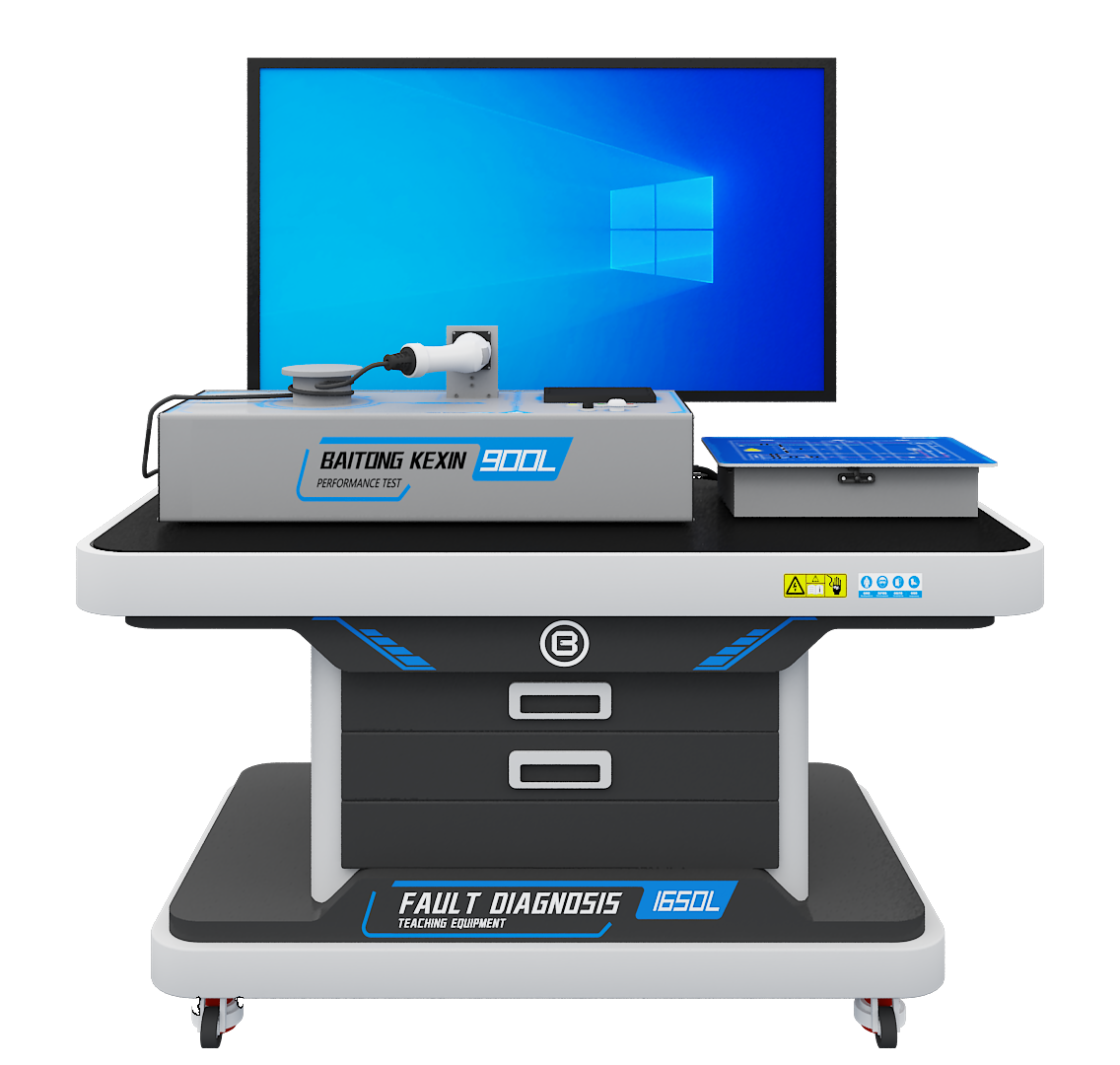

Software and Content
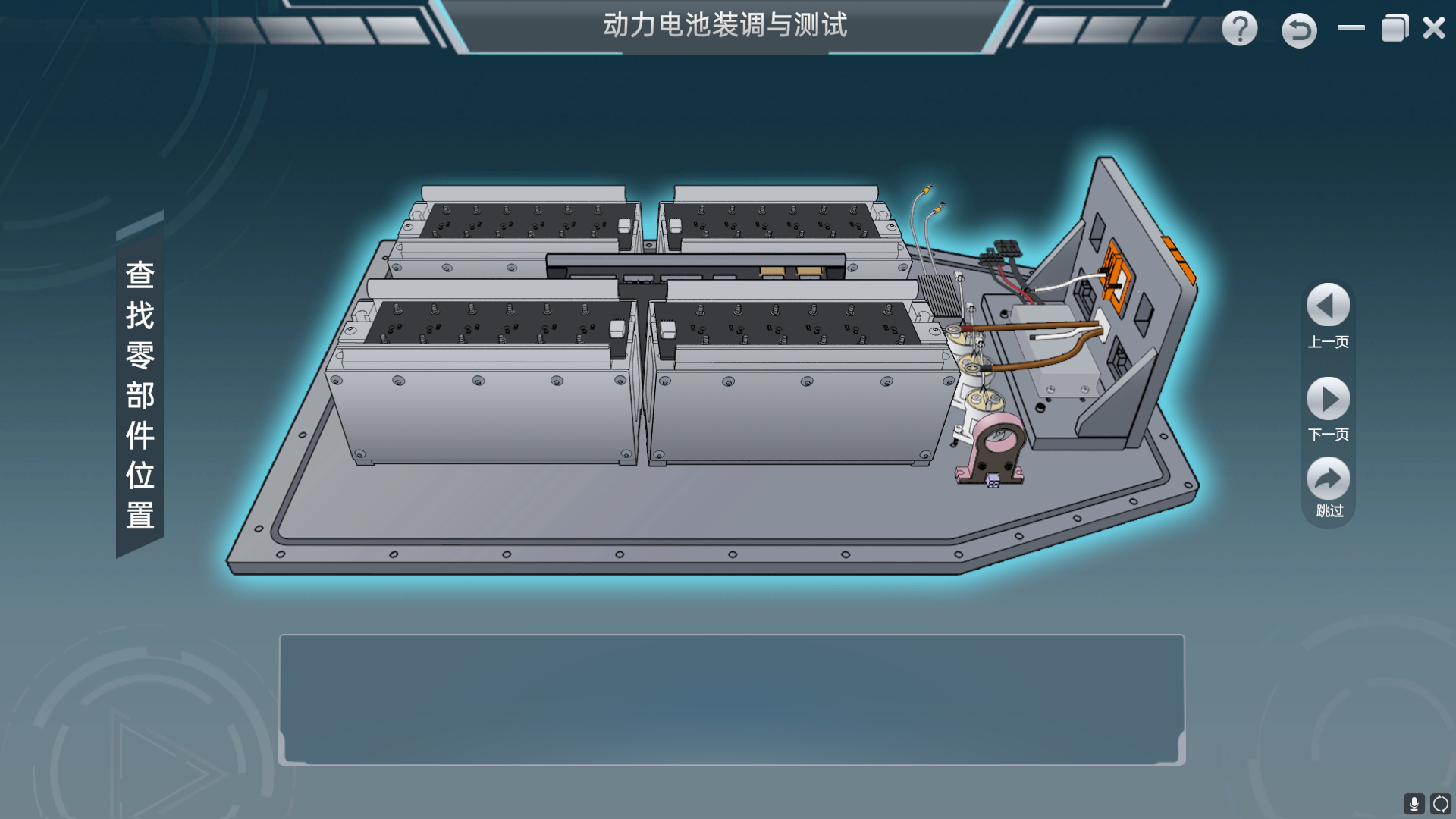
The software package covers interactive 3D tasks, supporting lessons, videos, information pages and assessment functions. Confirm licensed modules, account numbers, installation services and the host computers separately.
Model: BT-ACVR
Rehearse AC charging assembly, control-pilot diagnosis and functional checks with BT-ACVR software, virtual measurements and recorded task results.
The Baitongkexin BT-ACVR provides virtual AC charging tasks for vocational courses. Learners can inspect components, select tools, connect the simulated harness and investigate charging faults before carrying out separately supervised physical work. Demonstration, teaching and assessment modes support different lesson stages. Task records and simulation scores give instructors evidence to review alongside the learner’s circuit explanation, including the reason for a charging start or stop condition.
Tasks cover internal and external electrical components, harnesses, the charging connector and functional checks. Simulated measurements include contactor and protective-device circuits.
The virtual charging display represents operating values, control-pilot conditions and stop reasons. Learners can relate a configured switch or circuit condition to the displayed result.
Task prompts, tool selection, virtual part replacement and editable task sheets support a complete simulated workflow. Assessment records relate to actions within the software.
Learner Practice
Complete the selected virtual component and harness task
Evidence for Review
A saved task sheet and simulation result
Learner Practice
Investigate a simulated CP, CC or PE condition
Evidence for Review
A circuit explanation based on virtual measurements
Learner Practice
Compare a virtual charging state with the selected controls
Evidence for Review
A report identifying the start or stop condition
| Delivery architecture | Client/server desktop application |
|---|---|
| Modes | Demonstration, teaching and assessment |
| Interaction | Mouse-controlled model rotation, movement and zoom |
| Listed media narration | Mandarin Chinese; localization to be agreed |
The software package covers interactive 3D tasks, supporting lessons, videos, information pages and assessment functions. Confirm licensed modules, account numbers, installation services and the host computers separately.
30 nodes
Provide the syllabus, class size, computer specifications and required language. Confirm the final fault-task list, account/license terms, server location and result export. Virtual charging and payment displays do not constitute physical charger control or a payment service.
Share class size, computer specifications, teaching language and required charging scenarios to request a software demonstration.
Physical charging equipment is a separate scope item and must be included explicitly in the quotation.
It scores the configured virtual actions. Physical wiring competence requires supervised practical assessment.
Continue Exploring
Compare the stated teaching roles below. Product connections, included accessories and software licenses are confirmed in the selected configuration.