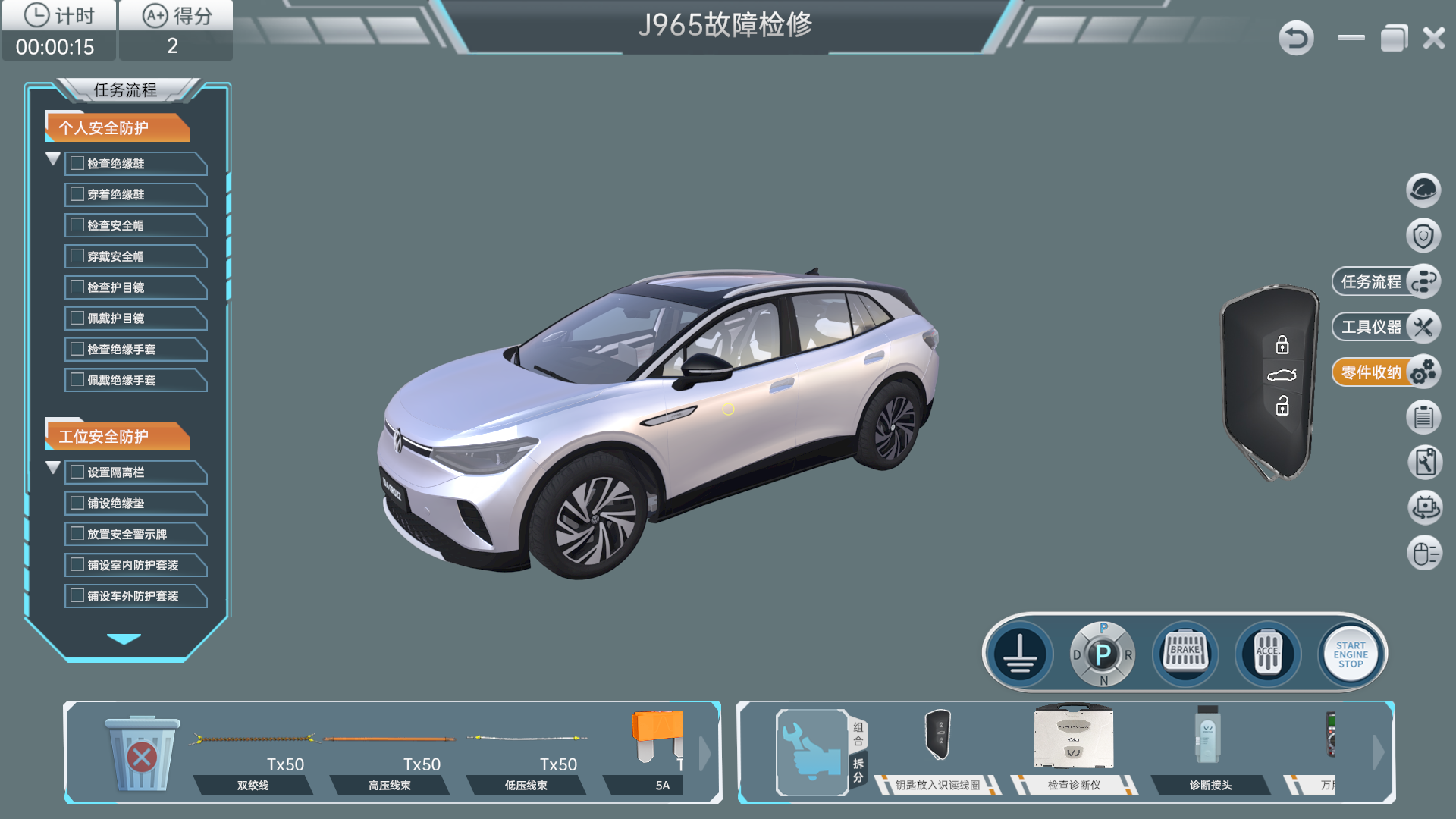

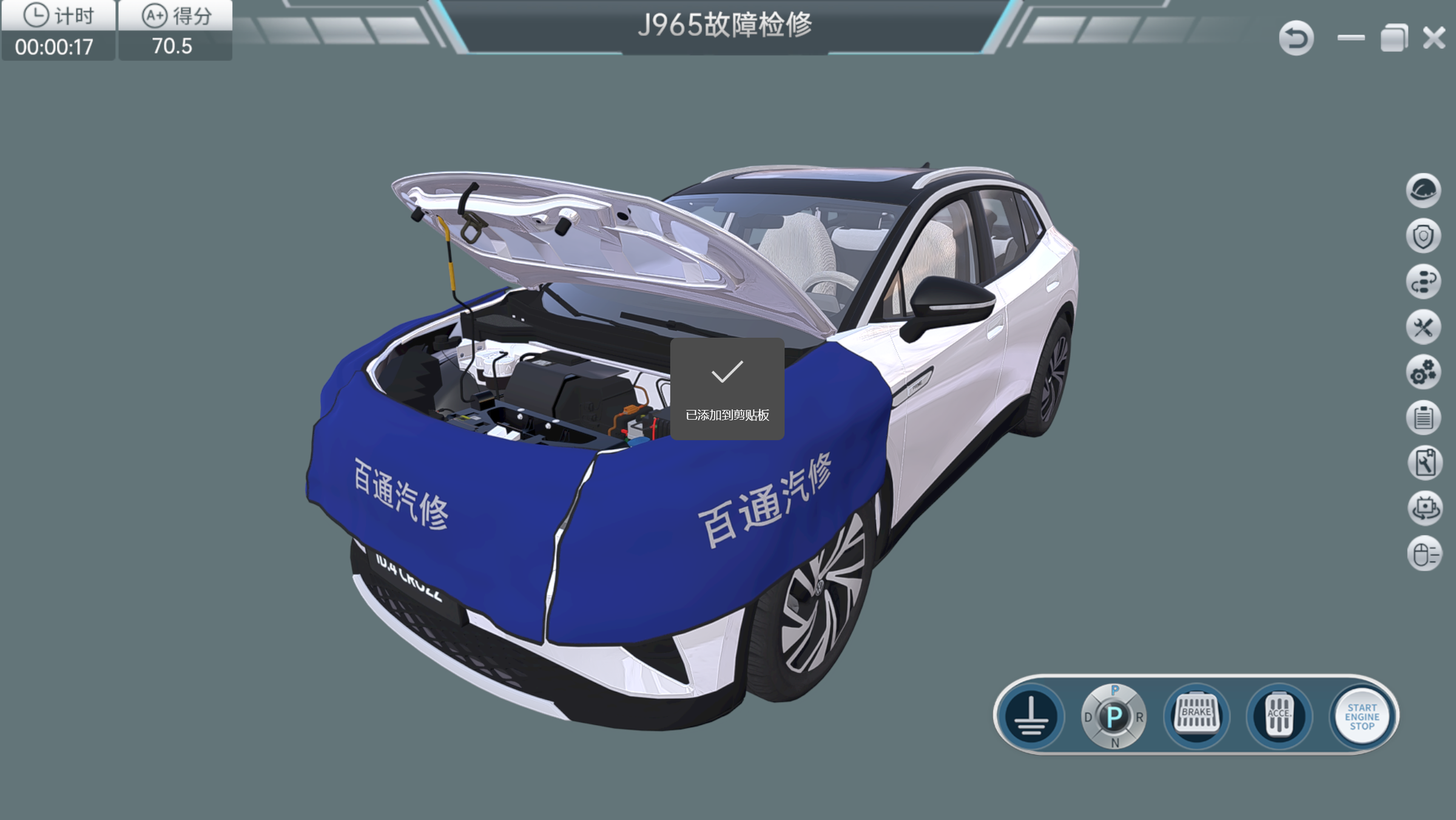
ID.4 Whole-Vehicle Fault Diagnosis Teaching Software — 30-Node Configuration
Practice ID.4 vehicle fault diagnosis with guided simulation, circuit measurements, repair tasks and assessment in a 30-node teaching deployment.
- Listed License Configuration
- 30 nodes
- Listed configuration
- 30 nodes
- Software architecture
- Client/server; modular loading and Unity-based 3D environment
- Training modes
- Demonstration, teaching and assessment
On This Page Overview
Product Overview
Practice ID.4 vehicle fault diagnosis with guided simulation, circuit measurements, repair tasks and assessment in a 30-node teaching deployment.
Software Functions
Guided Diagnostic Practice
Demonstration, teaching and assessment modes support task orientation, prompted practice, timing and score review. Learners can inspect a simulated vehicle, select tools and consult repair manuals and circuit diagrams during a task.
Circuit Measurement and Fault Repair
The configured content includes virtual fuse and connector measurements, control-unit fault-code reading, harness repair and component replacement. It names J965, J519, J840 and J533 among the fault-service tasks, alongside AC and DC charging connections, control-pilot diagnosis, a door-handle task and a wiper task.
Recorded Learning Evidence
Task worksheets can be filled in during simulation. The assessment mode records time and scores; the specified course modules include scenario introduction, structural analysis, video demonstration and evaluation.
Teaching and Simulation Tasks
Circuit diagnosis
Learner Practice
Inspect connectors, fuses and circuit references
Evidence for Review
Measurements and fault reasoning in the task worksheet
Fault service
Learner Practice
Read a configured fault code, isolate the fault and replace a simulated component or harness
Evidence for Review
Completed service steps and assessment score
Charging fault diagnosis
Learner Practice
Follow the specified AC, DC or control-pilot case
Evidence for Review
Diagnostic sequence and task result
Deployment and License Information
| Listed configuration | 30 nodes |
|---|---|
| Software architecture | Client/server; modular loading and Unity-based 3D environment |
| Training modes | Demonstration, teaching and assessment |
| Display | Adaptive resolution up to 1920 × 1080 |
| Main model accuracy | 1:1 representation; less than 1 cm specified tolerance |
| Tool model accuracy | Less than 0.5 cm overall; less than 0.1 cm at the contact end |
| Video and narration | At least 1920 × 1080 H.264 MP4; Mandarin Chinese narration |
Configuration and Ordering
Listed License Configuration
30 nodes
Configuration and Procurement
This edition provides a 30-node teaching deployment. The final technical schedule should state how the nodes are licensed, installed and administered, together with the included learner accounts, computers, software version and any physical-vehicle interface. The ID.4 reference identifies the vehicle modeled in the software and should not be interpreted as a claim of Volkswagen authorization.
Review the ID.4 Configuration
Share the class size, installation environment and assessment needs to confirm the 30 nodes configuration and demonstrate the specified tasks.
Product Questions
Are the two listed configurations different simulations?
The 30-node and standalone editions share the documented teaching scope. Their deployment scale, licensing and installation requirements differ and should be quoted separately.
Does the simulation connect to a real vehicle?
The software supports simulated operations and tasks. Any physical connection or synchronized operation must be separately confirmed in the delivery scope.
Configuration Comparison
Compare ID.4 Software Configurations
Two separately documented software families model ID.4 diagnosis. Compare the family and listed edition before requesting a demonstration or license proposal.
| Product Page | Software Family | Listed Edition |
|---|---|---|
| ID.4 Vehicle Diagnosis Simulation Software — 1-Set Configuration | Vehicle Diagnosis Simulation | 1 software set |
| ID.4 Vehicle Diagnosis Simulation Software — 30-Node License | Vehicle Diagnosis Simulation | 30 nodes |
| ID.4 Whole-Vehicle Fault Diagnosis Teaching Software — Standalone Configuration | Whole-Vehicle Diagnosis Teaching | 1 standalone edition |
| ID.4 Whole-Vehicle Fault Diagnosis Teaching Software — 30-Node ConfigurationCurrent Configuration | Whole-Vehicle Diagnosis Teaching | 30 nodes |
A node count does not establish concurrent-user capacity. Confirm licensing, installation, administration, software version and included computers for the selected edition. Functions should be checked within each family rather than assumed identical across both families.
Continue Exploring
Related Products
Compare the stated teaching roles below. Product connections, included accessories and software licenses are confirmed in the selected configuration.