

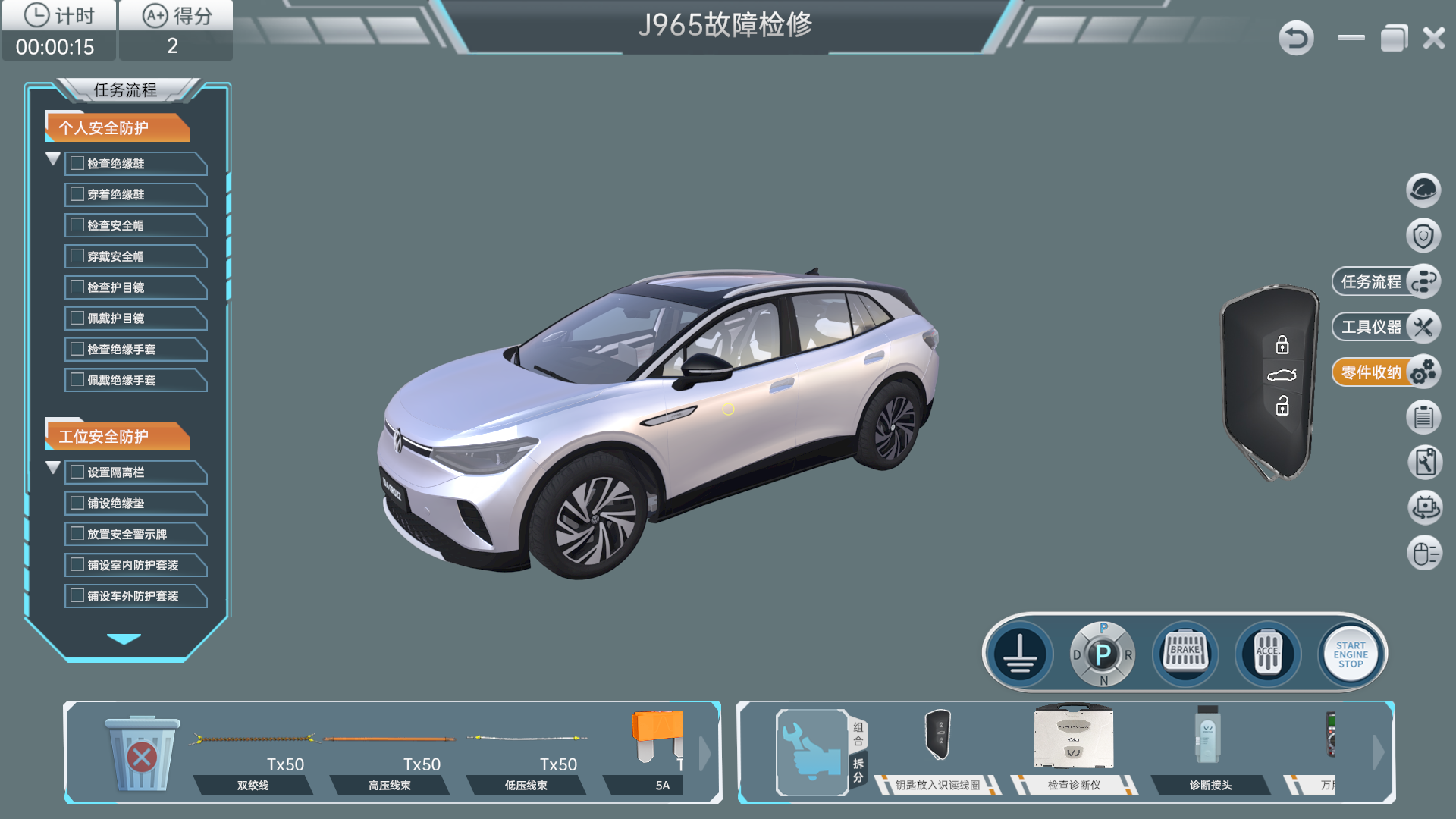
Whole-Vehicle Virtual Simulation
ID.4 Vehicle Diagnosis Simulation Software — 1-Set Configuration
Investigate vehicle electrical faults through virtual connectors, charging scenarios and task-based diagnostic records.
View Product
BTKX — Product Category
Virtual vehicle diagnosis software for ID.4 and Corolla-based training, with virtual instruments, task records and assessment functions.
Complete Category
All 5 Products
Whole-Vehicle Virtual Simulation
Investigate vehicle electrical faults through virtual connectors, charging scenarios and task-based diagnostic records.
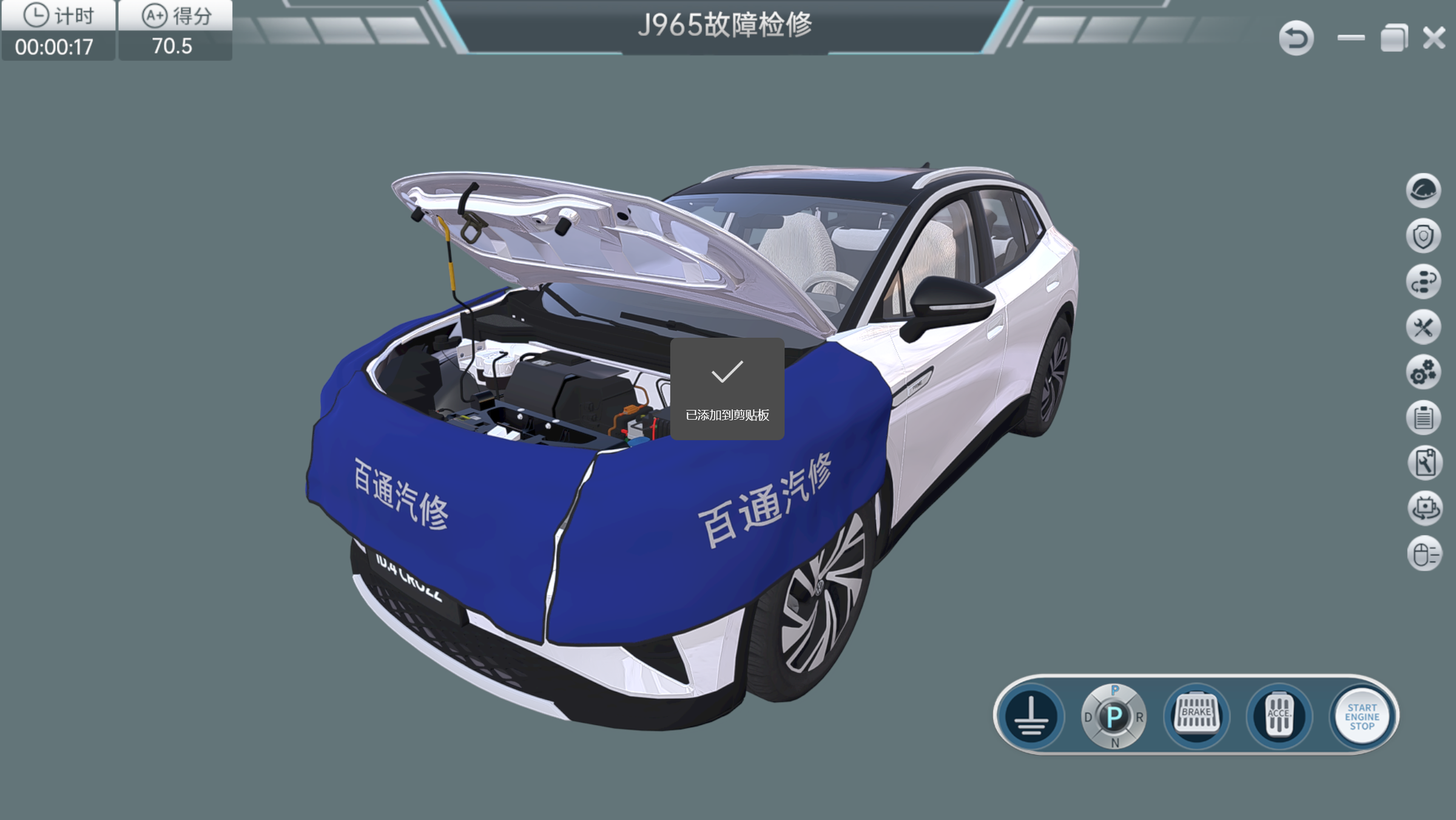
Whole-Vehicle Virtual Simulation
Practice vehicle fault diagnosis through guided simulation, circuit measurements, repair tasks and recorded assessment.
Whole-Vehicle Virtual Simulation
Practice vehicle fault diagnosis through guided simulation, circuit measurements, repair tasks and recorded assessment.
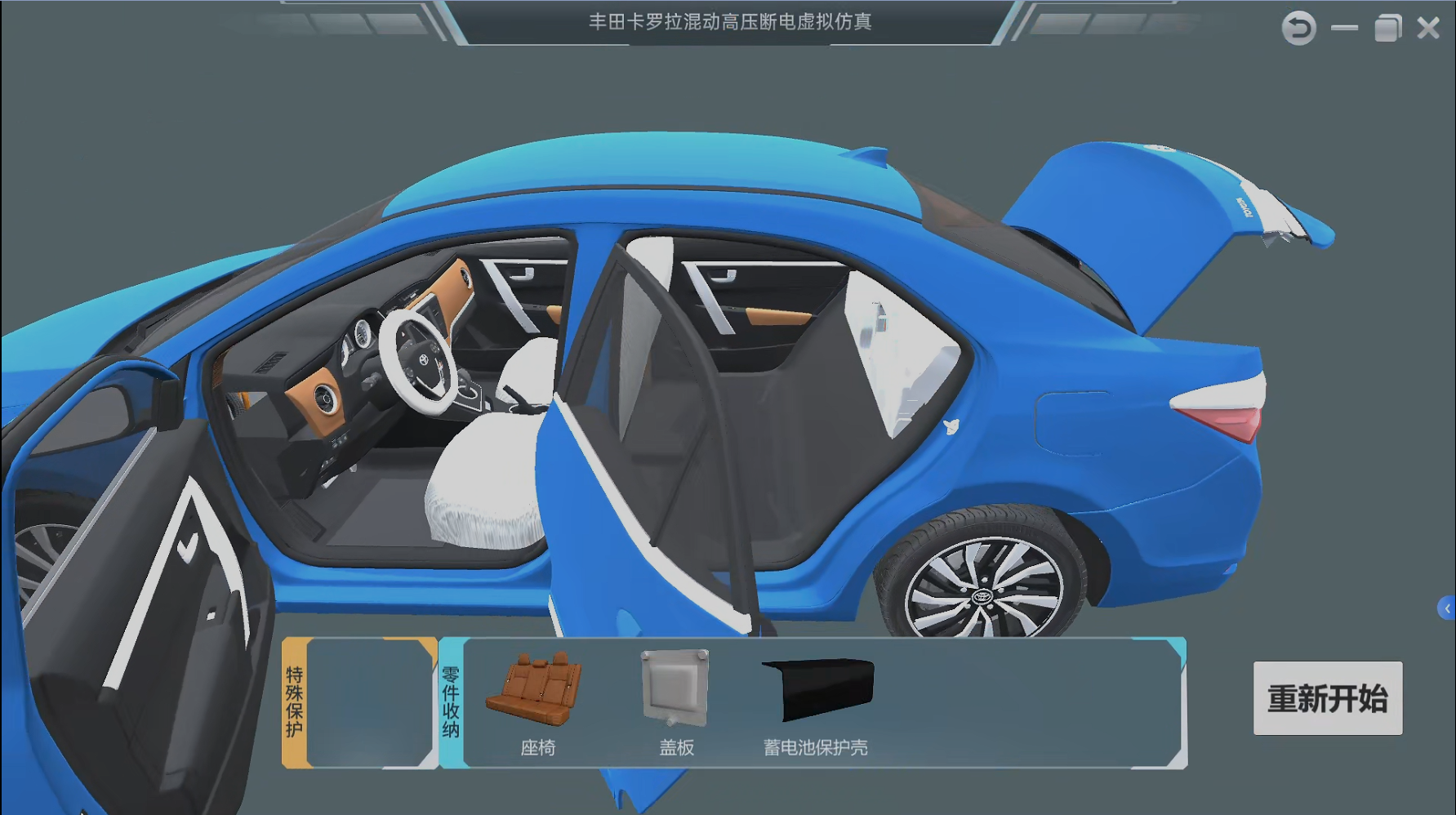
Whole-Vehicle Virtual Simulation
Practice vehicle diagnosis using virtual instruments, repair information and recorded tasks for the selected powertrain.
Whole-Vehicle Virtual Simulation
Investigate vehicle electrical faults through virtual connectors, charging scenarios and task-based diagnostic records.
Selection Guide
Select a virtual vehicle and deployment edition around the diagnostic tasks taught in the course. The catalogue includes ID.4 configurations for individual or multi-node deployment and a Corolla-based title. Virtual instruments, reference information and recorded tasks support a teaching sequence that can precede physical workshop investigation.
Compare the represented vehicle, circuit references and fault list before choosing a title. Confirm the Corolla powertrain and task package against the intended diagnostic course.
Choose the documented one-set, 30-node or standalone edition according to classroom use. Confirm installation scope, host requirements and licensing for the selected software configuration.
Plan how virtual measurements, repair decisions and recorded assessments will be reviewed. Pair software tasks with separately specified workshop equipment when the course includes physical testing.
BTKX Support
BTKX connects equipment selection with teaching resources, delivery planning and company records that buyers can review. Each project starts with the practical tasks your students need to complete.
For Guangdong Mechanical & Electrical Polytechnic, BTKX developed a Corolla ZRE151/152/153 simulation with 19 open-circuit faults, score statistics and repair-manual retrieval. The project tied virtual diagnostic tasks to the college’s existing workshop vehicle platform.
Read the Custom Corolla Simulation CaseBTKX reviews the syllabus, learner level, workstation quantity and room conditions against documented product functions. Equipment schedules distinguish the required training stations, instruments and optional resources, giving schools a clear basis for comparing configurations before procurement.
Review the School Planning ProcessBTKX co-develops practical task sheets, operation videos, presentations and course materials with vocational teachers. Resources can be matched to the equipment and assessment goals; included formats, software licenses and any instructor training are agreed for the specific project.
Explore Curriculum DevelopmentFor projects combining equipment and teaching resources, BTKX coordinates the agreed transport, installation, commissioning and instructor handover. Export manual languages, local partner responsibilities, site requirements and acceptance records are confirmed in the delivery schedule, with additional localization scoped separately.
Review International Project SupportCompany identity, numbered qualification documents and named project references support supplier review. Buyers can check the issuing body, certificate scope and relevant product parameters against their procurement requirements, with specific evidence requested for the selected equipment and destination.
View Qualification RecordsCategory Questions
Review equipment roles, practical teaching tasks and configuration requirements before choosing your platforms.
The catalogue lists one-set, multi-node and standalone configurations across the ID.4 titles. Compare the selected entry's task content, installation scope and license edition with classroom use, including the required learner seats and host-computer arrangement.
The Corolla software supports vehicle diagnosis with virtual instruments and recorded tasks. For hybrid or high-voltage isolation lessons, specify the represented powertrain, required fault cases and procedure modules, then confirm them in a demonstration of the selected version.
The selected scenarios use virtual vehicles, instruments and repair actions to develop diagnostic reasoning. Physical voltage checks, component handling and vehicle repair require separately equipped practical sessions with their own procedures and supervision.
Demonstration, teaching and assessment modes support different stages of the virtual task. Instructors can review worksheets, simulated measurements, timing and scores alongside the learner's explanation; assessment records describe the configured software exercise.