
Workplace Task Connections
Use the represented circuit and repair information, select a justified virtual check and explain the conclusion using recorded task evidence.
New Energy Vehicle Education
Use virtual diagnosis to make the reasoning visible. Connect vehicle information, simulated measurements, fault investigation and instructor review.
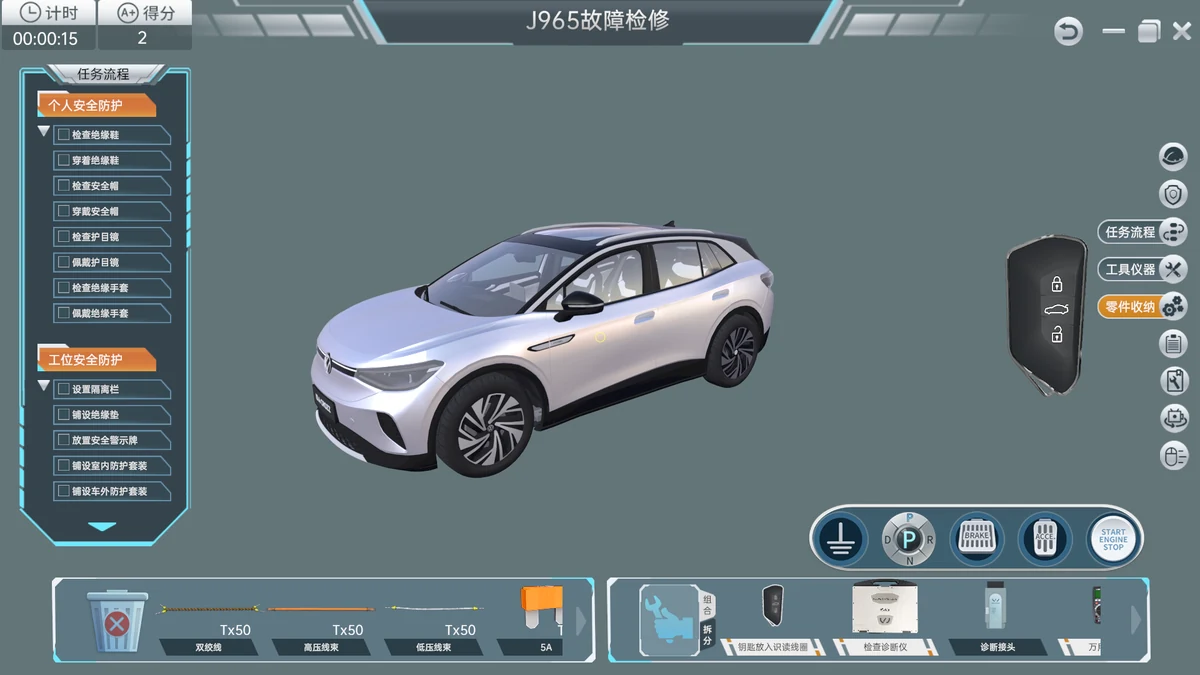
Use ID.4 and Corolla simulation resources to explore vehicle systems, practise diagnosis and review each learner’s reasoning. Select the vehicle content and software edition that suit your course and computer lab.
Why This Course Matters
Simulation gives a class a shared setting for circuit exploration and diagnostic discussion. Its educational value depends on the selected vehicle content, supported faults, instructor review and an explicit connection to any later physical practical work.
Use the represented circuit and repair information, select a justified virtual check and explain the conclusion using recorded task evidence.
A clear content and license comparison, compatible campus computers, language and reporting requirements, and separate assessment of physical competence.
Use recorded virtual tasks to discuss choices and reasoning. Map the relevant knowledge to a separately equipped practical lesson, then collect individual physical evidence where the program requires it.
The Learning Experience
Begin with vehicle and circuit information, practise virtual measurements and fault investigation, then use the results to prepare for supervised workshop tasks.
Course preparation
Explore the represented vehicle, available systems and diagnostic workspace in the selected software edition.
A vehicle-system overview and diagnostic preparation checklist.
Diagnostic foundations
Use the diagrams, component information and repair resources actually included in the selected edition.
An annotated circuit and diagnostic plan.
Virtual measurement
Use the supported virtual instruments and task prompts to record measurements within the represented scenario.
A scenario-specific measurement worksheet.
Virtual diagnosis
Investigate supported faults and permitted repair actions in the selected vehicle-content package.
A diagnostic explanation supported by virtual task records.
Virtual assessment
Use the software’s documented task results and assessment functions for the selected edition.
An instructor-reviewed virtual portfolio.
Teaching transfer
Map relevant virtual learning to a physical station or vehicle only after its configuration and supervised task have been agreed.
A virtual-to-practical task map and separate assessment plan.
Adapt the modules, practical hours and assessment to your program. Practical work follows your institution’s approved procedures and the equipment manual.
Download Sample Course OutlineTraining Equipment
Explore the stations, instruments and digital resources used in this course, with links to the modules they support.
Select the diagnosis edition that fits your teaching content and classroom setup.
Digital Teaching Resource
Investigate vehicle electrical faults through virtual connectors, charging scenarios and task-based diagnostic records.
Course RoleID.4 circuit navigation, virtual measurement and diagnostic practice.
Product DetailsDigital Teaching Resource
Investigate vehicle electrical faults through virtual connectors, charging scenarios and task-based diagnostic records.
Course RoleID.4 diagnostic practice for the selected classroom deployment.
Product DetailsChoose a classroom or standalone edition to suit how learners will access the software.
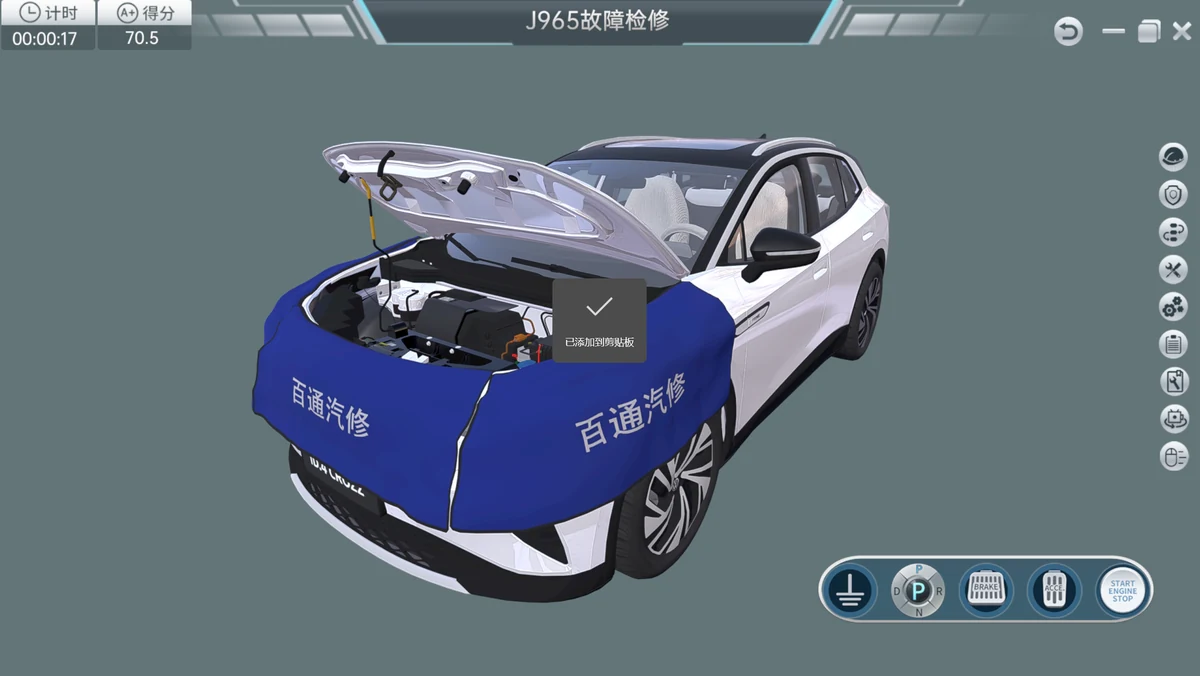
Digital Teaching Resource
Practice vehicle fault diagnosis through guided simulation, circuit measurements, repair tasks and recorded assessment.
Course RoleID.4 whole-vehicle lessons and diagnostic task review for classroom deployment.
Product DetailsDigital Teaching Resource
Practice vehicle fault diagnosis through guided simulation, circuit measurements, repair tasks and recorded assessment.
Course RoleID.4 whole-vehicle lessons and diagnostic task review on a standalone workstation.
Product DetailsExplore diagnostic tasks for the selected Corolla vehicle and powertrain.
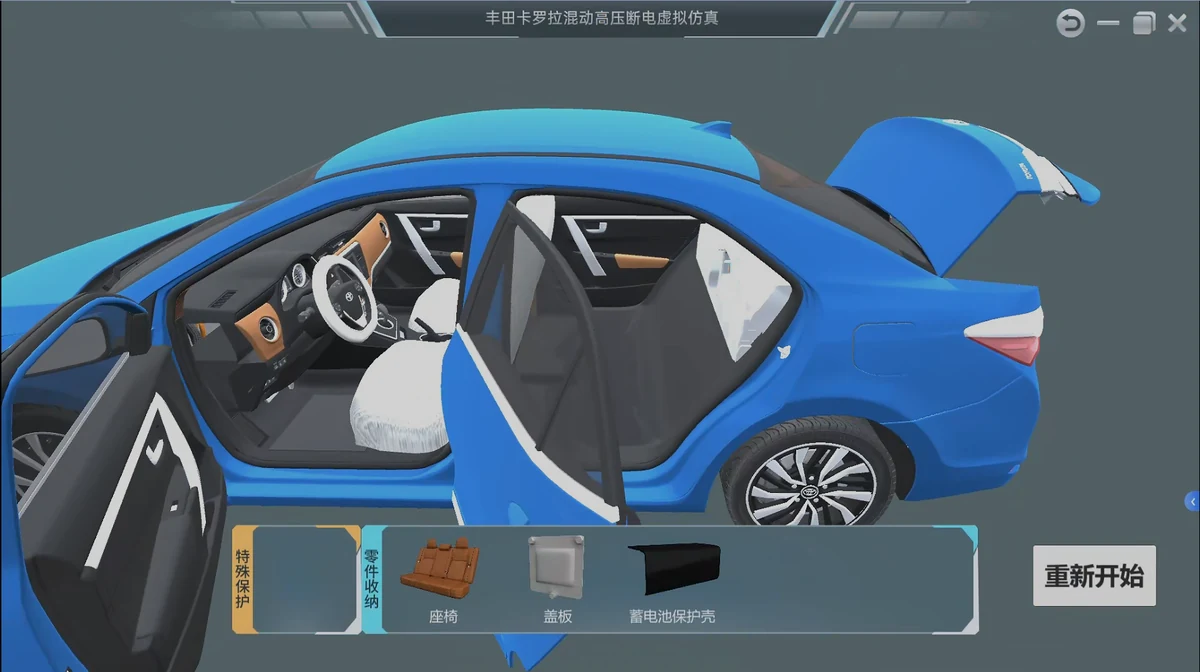
Digital Teaching Resource
Practice vehicle diagnosis using virtual instruments, repair information and recorded tasks for the selected powertrain.
Course RoleCorolla diagnostic practice using the selected vehicle and powertrain content.
Product DetailsChoose the equipment, digital resources and quantities around your syllabus, class size and practical timetable.
Match the software content, installation format and user licenses to your class size. Include a separate practical assessment for workshop skills.
Explore Whole-Vehicle Virtual Simulation EquipmentBeyond the Hardware
Baitongkexin’s course-development service helps your faculty connect the syllabus, lesson plans, practical task sheets and assessment materials with the selected equipment.
Baitongkexin Curriculum DevelopmentFor the Course Leader
Connect the 6 modules with learner prerequisites, practical hours, equipment and local occupational requirements.
For the Instructor
Define the presentations, supporting media, equipment references and demonstration guidance needed for the agreed tasks.
For the Learner
Structure preparation, observations, measurement records and individual explanations around the actual station or software task.
For the Assessor
Specify observable criteria and distinguish preparation, virtual records, physical workmanship and diagnostic interpretation.
From Course Idea to Teaching Delivery
Use the course map to discuss the learning, equipment, resources and faculty preparation together.
01Define
Review prerequisites, local workplace tasks and the required outcomes for whole-vehicle simulation.
Output: Agreed course brief
02Design
Map the selected modules to stations, digital resources, room conditions and learner rotation.
Output: Course and equipment map
03Prepare
Specify the resource package, equipment-based instructor preparation and commissioning responsibilities.
Output: Defined delivery schedule
04Review
Check the agreed equipment, resource versions and demonstration tasks with the faculty.
Output: Readiness and acceptance record
Laboratory & Delivery Planning
Review station access, utilities, computers, shared instruments and group organization before finalizing the equipment schedule.
Baitongkexin EV Laboratory PlanningFaculty Preparation
Define equipment demonstrations, resource use and task assessment in the instructor-support scope for the selected configuration.
Explore Instructor PreparationWhere the Skills Can Lead
Use these directions to discuss course relevance with local employers and define the next stage of role-specific development.
Circuit information and justified virtual checks support further supervised diagnostic development.
Course connection: Circuit navigation + reasoning
Documented deployment and task resources support further computer-lab and course-support roles.
Course connection: Content + deployment
Reviewable records and clear rubrics support further development in practical teaching support.
Course connection: Task evidence + review
A defined bridge to physical work helps a program sequence further equipment-based learning.
Course connection: Virtual preparation + practical assessment
Use these skills as a starting point for discussions with local employers about qualifications and further training for each role.
Course Planning Questions
Choose between two ID.4 software families and Corolla diagnosis content. Compare the modules and classroom deployment offered in each edition with your syllabus.
Confirm simultaneous-user access, accounts and installation terms for your chosen edition when planning class size. Package labels such as “1 set” and “30 nodes” need to be checked against the license terms.
Mandarin narration is specified for the ID.4 products; other language packages need confirmation. For Corolla lessons, confirm the powertrain version and associated diagnostic topics before ordering.
No. The score describes the software task. Physical tool use, measurements and repair require separate supervised practical assessment.
Build Your Course
Tell Baitongkexin who you teach, which whole-vehicle simulation tasks matter and what your institution already has. Use the brief to begin a focused planning conversation.
Create a course brief below, then copy or download it to send with your inquiry.
Contact the Baitongkexin TeamConnected Learning
Connect this course with the next practical task in your program.
Fundamentals & Safety
Build a shared foundation for every EV practical. Connect system recognition, electrical reasoning, harness work and supervised safety simulation.
Explore the CourseEV Electrical Systems
Follow the circuit from function to finding. Teach lighting, comfort systems, electric air conditioning and CAN-network reasoning on visible practical stations.
Explore the CourseTesting & Diagnostics
Teach the test arrangement, not just the result. Connect architecture, charging, loading and signal evidence in a defined EV testing course.
Explore the Course